Manage my to-do list by talking to Claude, without opening another app.
A custom MCP server (the protocol AI assistants use to call outside tools) that connects Claude to my Todoist account, so I can read and manage tasks from the terminal I already have open.
- 01See what’s due with Todoist filters (“today | overdue”)
- 02Add one task or a whole batch at once
- 03Update a task’s text, due date, priority or notes
- 04Mark one or more tasks complete
- 05Browse projects and their open tasks
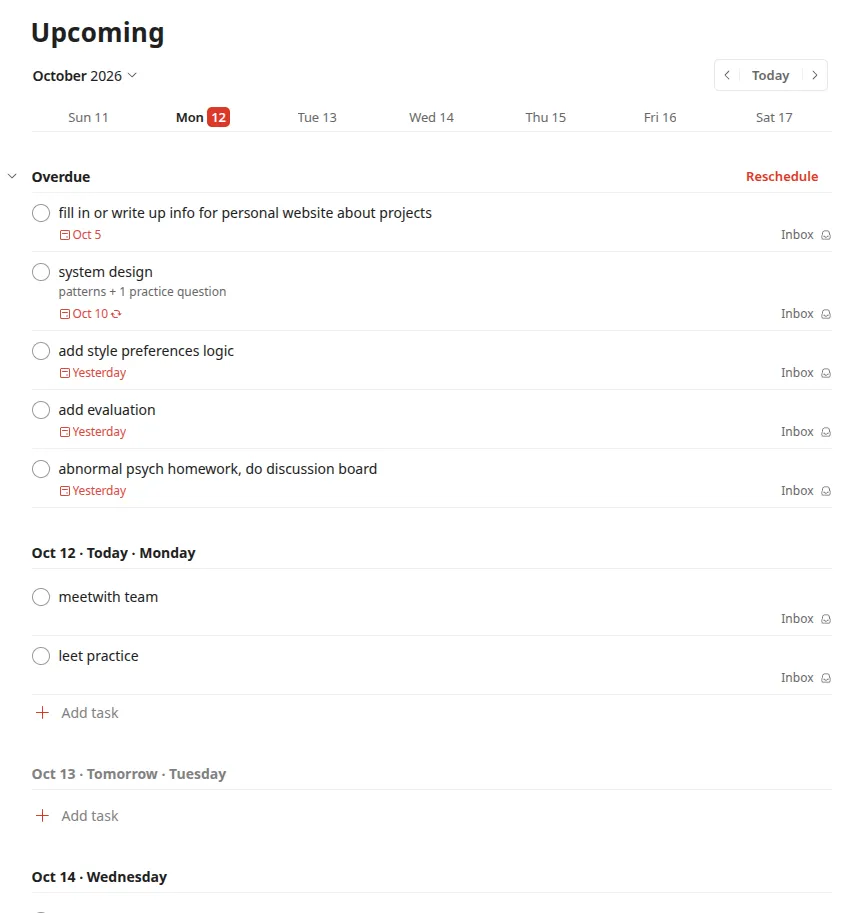
I work on a 2019 MacBook Air. With Chrome, VS Code and everything else running, opening my planner just to add or check a task would slow the whole machine down. So I moved the planner into the tool I’m already working in. Now “what’s on my plate today?” or “add these three tasks for tomorrow” happens without launching anything new.
I designed the tools around how I actually use a planner, not as a one-to-one mirror of the Todoist API. Batch tools add or complete several tasks in a single call, so a request like “add these five tasks for tomorrow” takes one round trip instead of five. Instead of writing my own search logic, the server passes Todoist’s filter syntax straight through, so Claude can ask for things like “today | overdue” with no extra code on my side. It runs locally through uv, which keeps setup to one command and adds almost no load on an older laptop.